
Getting everyone involved: chores, points and routines
Ask any parent what causes the most arguments at home and the answer is usually the same: whose turn it is. Loopykin.com's chore chart and routines are built to settle that question before anyone has to ask it.
Start with a fair chore chart
Open Chores and add the jobs that need doing each week: emptying the dishwasher, feeding the cat, putting the bins out. Give each one to a person and a day, and pick an icon so younger children can find their jobs without reading.
A few tips from families who use it every day:
- Keep jobs small and clear. "Tidy your room" is open to debate; "put your clothes in the wash basket" isn't.
- Spread them across the week so nobody gets everything on a Saturday.
- Match the job to the age. Even a four-year-old can set the table.
Points make it a game
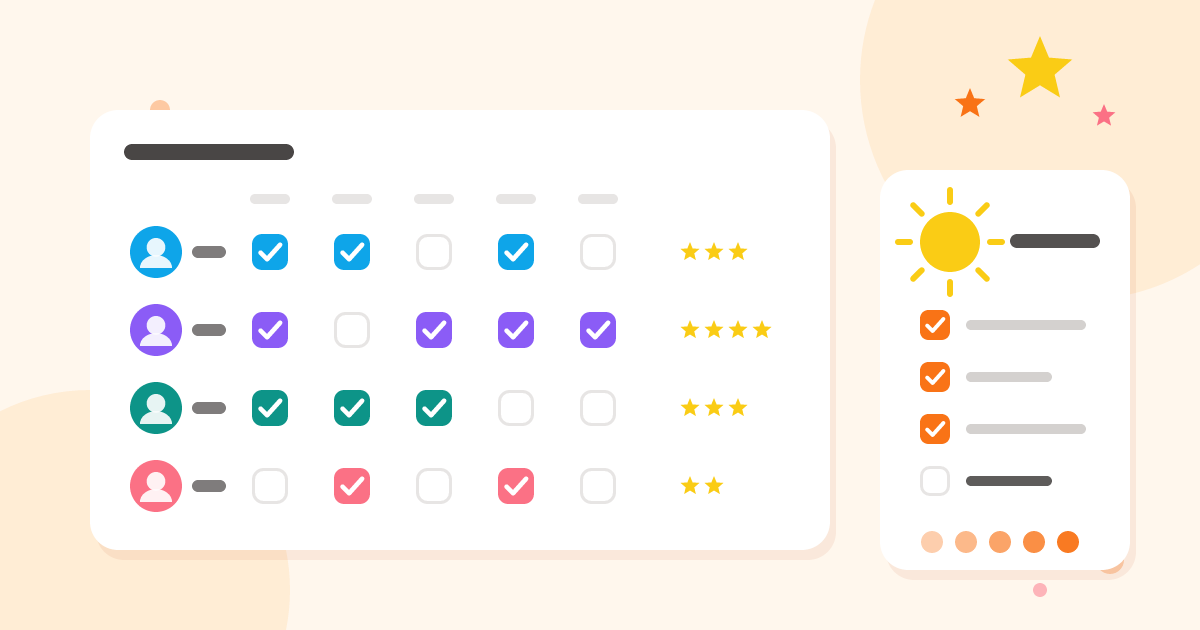
Every chore has a points value. When it's ticked off, the points go to the person who did it, and the chart shows the totals for the week. Some families turn the points into pocket money or screen time; others just enjoy the bragging rights.
At the end of the week, Reset week clears the ticks and the points so everyone starts level. Loopykin.com asks before it resets, so a stray tap won't wipe out anybody's hard work.
Tip: give harder or less popular jobs more points. You'll be surprised how quickly the bins get volunteers.
Routines for the busy parts of the day
Chores are for the week; routines are for every day. A routine is a short checklist for one part of the day, such as:
- Morning: get dressed, breakfast, brush teeth, pack your bag
- After school: shoes away, lunchbox in the kitchen, homework
- Bedtime: bath, pyjamas, story, lights out
Tick off each step as it's done, on the family tablet or a parent's phone, so everyone can see what's left without being told. Finishing a routine every day builds a streak, and the progress view shows how the week has gone.
Reminders that do the nagging for you
Turn on notifications and Loopykin.com sends a morning reminder to anyone with chores still to do that day. Nobody has to be the bad guy.
Let children see their own jobs
Add a child sign-in from the Family page and they get a simple view of the family calendar, the shopping lists and their own chores, so they can check what's theirs without asking. They can't change the family's plans, but they do get a personal to-do list of their own for homework and reminders.
New to Loopykin.com? Start with our introduction to the app, or see the step-by-step Help guides.