
Welcome to DueBright.com: every bill in one place
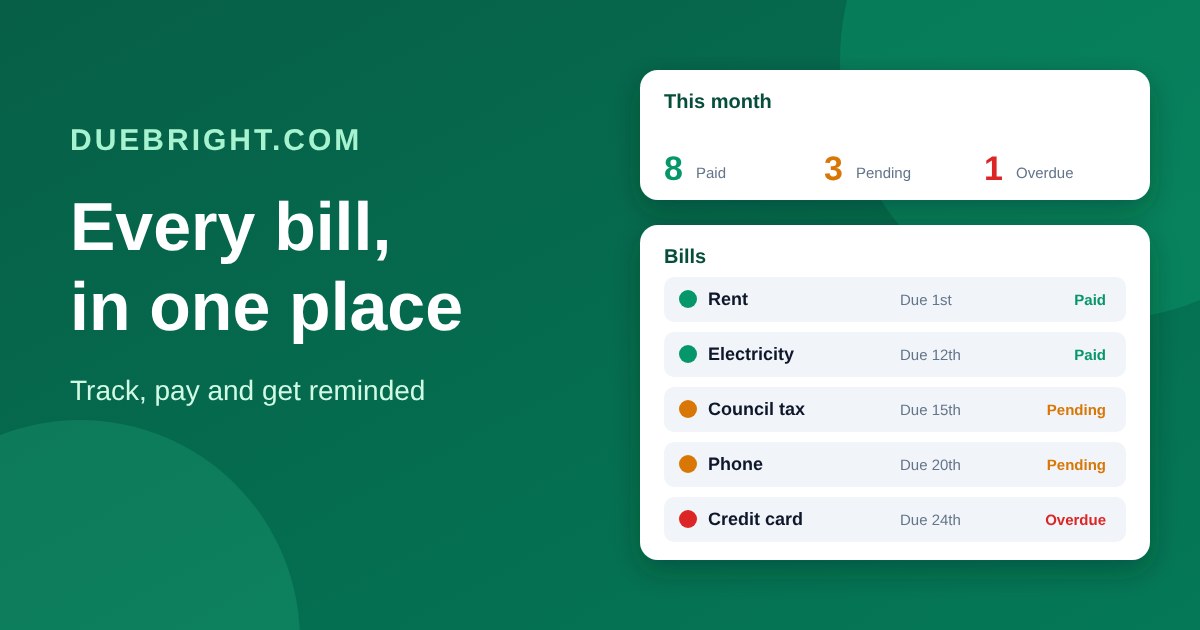
DueBright.com is a free, simple place to keep track of every bill you pay, so you always know what is due, what is paid and what you have left at the end of the month. This first post is a quick tour of what it does.
Everything due this month, in one place
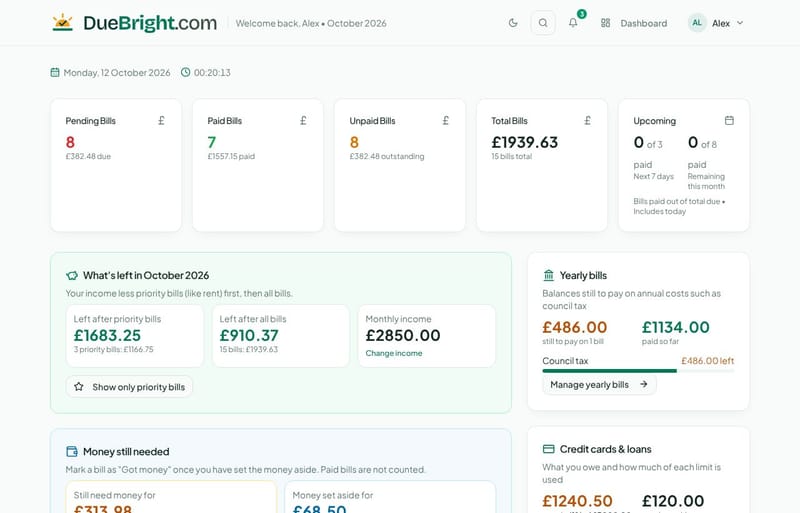
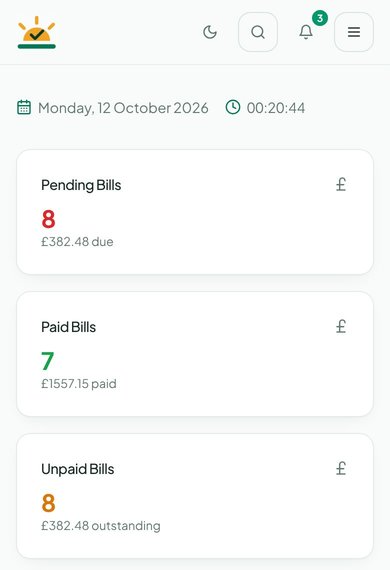
The Dashboard shows how many bills are pending, paid and unpaid this month, and the total. Add a bill once with its amount, due date, category and how you pay it, and choose whether it repeats: weekly, every 2 or 4 weeks, monthly, every 3 or 6 months, or once a year. Repeating bills appear by themselves in the months that follow.
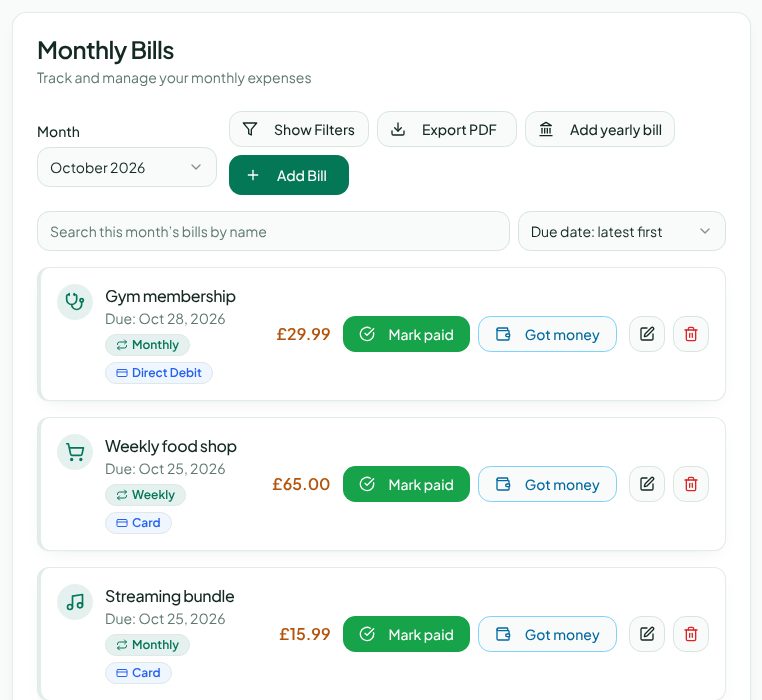
Mark paid when a bill goes out. Overdue bills are flagged so nothing slips through.
Got money marks a bill you have already set money aside for, and the "Money still needed" card shows what is left to find.
Search, filter and sort the month's bills, or use Quick Add and templates for the bills you add every month.
Know what is left
Enter your monthly income once and What's left shows what remains after your priority bills (like rent) and after all your bills. Mark any bill as a priority and filter the Dashboard to show only those.
Yearly bills, paid off monthly
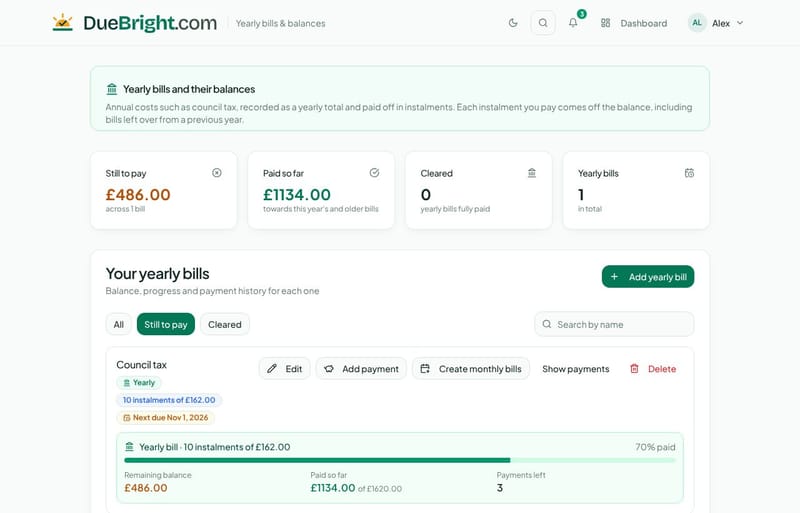
Costs such as council tax can be recorded as one yearly total and paid off in instalments. The Yearly bills page shows the balance still to pay, how much you have paid and how many payments are left, and each instalment you pay comes off the balance.
Credit cards and loans
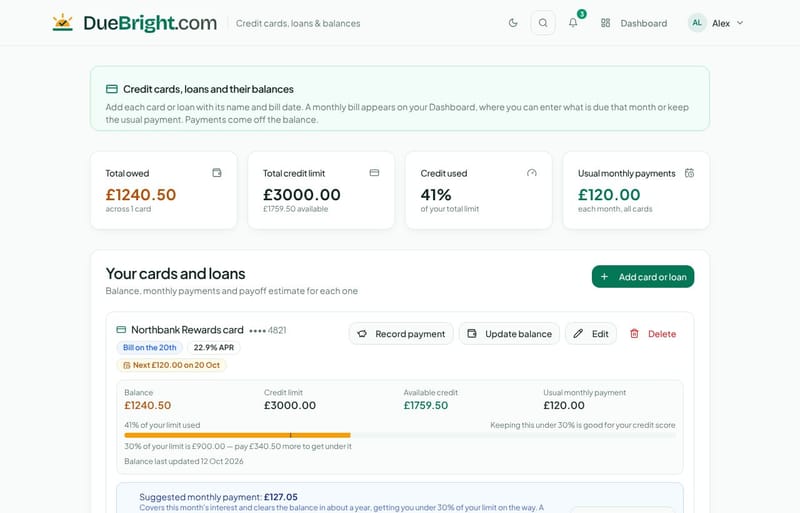
Add each card or loan with its bill date, balance, limit and interest rate. A monthly bill for it appears on your Dashboard, payments come off the balance, and you can see how much of your limit is used, the credit still available and an estimate of how long it will take to pay off.
Reminders before bills are due
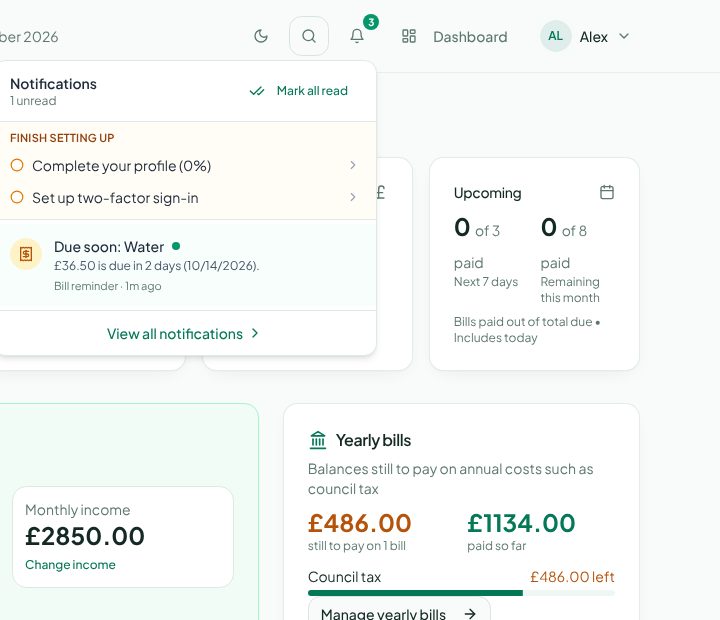
The bell at the top of every page is your notifications centre. Choose when you want reminding (on the day, or 1 to 14 days before), switch overdue alerts on or off, and see what is left to set up your account.
On your phone, too
Your bills are saved to your account, so they are the same on every device you sign in on. DueBright.com works on phones and tablets and can be added to your home screen like an app. There is a dark theme as well: use the moon button in the header.
Your data stays yours
Your bills are private to you. You can turn on two-factor sign-in for extra protection, bring bills in from a CSV or JSON file, and download everything as CSV, JSON or PDF whenever you like.
Get started
Sign up free and confirm your email address.
Sign in and add your first bills from the Dashboard.
Set your monthly income and reminder times, and you are set.
Questions or ideas? The Support centre has step-by-step guides, and you can contact us any time. Signed-in users can also report issues and suggest features from the Feedback page. Watch this blog for app updates and tips.