
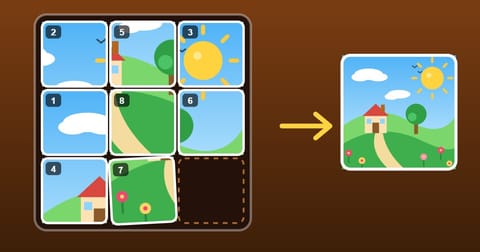
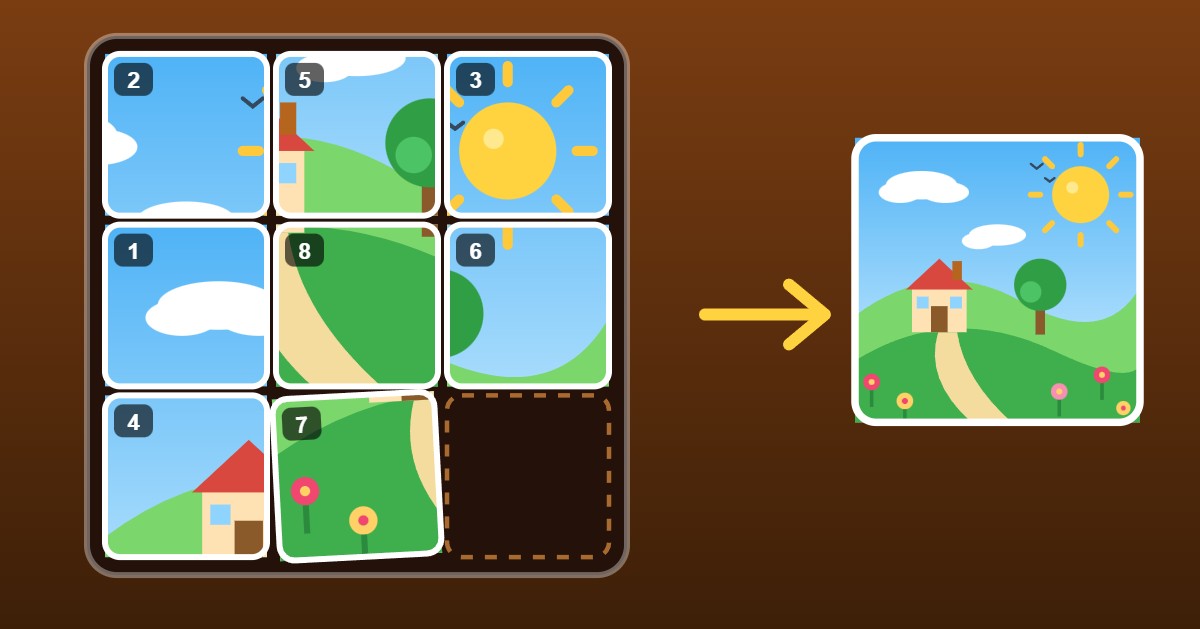
Picture Slide: slide the tiles, rebuild the picture
Somebody has cut up the picture and shuffled the pieces. Put it back together in Picture Slide, our new sliding puzzle.
How it works
- The picture is cut into square tiles, with one gap left in the board. Tap a tile next to the gap and it slides in.
- Tap a tile further along the same row or column and the whole line slides along together.
- On a keyboard, the arrow keys (or W A S D) slide the tile on the far side of the gap toward it. You can also Tab to a tile and press Enter.
- A small picture beside the board shows what you are building, and you can switch the tile numbers off if you want more of a challenge.
Every puzzle can be solved
Each puzzle is scrambled by sliding tiles about at random, so it can always be put back. Every puzzle allows plenty of moves, far more than you will need. Only if you use them all does the run end, and you can bank your score at any time.
Scoring
Clearing a puzzle scores 50 points plus 10 times the level, plus a bonus for every move you saved. Each tile you shift counts as a move, so a tidy solution scores best.
Bigger boards, new pictures
The first three puzzles are small 3×3 boards. After that the boards grow to 4×4 and then 5×5, with more scrambling each time, and every level has its own picture: sunny hills, a rocket launch, a coral reef, a little barn and a moonlit castle. Your run is saved whenever you clear a puzzle, so you can pick it up again on the same level, with your score so far.
A few tips
- Build the top row first, then the next one down, so you never undo what you have already done.
- On the last two rows, finish a column at a time from the left.
- Look at the picture, not just the numbers. The sun, the roof and the rocket's window make good landmarks.
- Tap the tile you want to move rather than pushing a whole row: each tile shifted counts as a move.
Have a go
Picture Slide is in beta while we gather feedback, so tell us what you think on the Contact page. Happy sliding!