
Pixel Pet: hatch a mystery egg and raise your own pocket pet
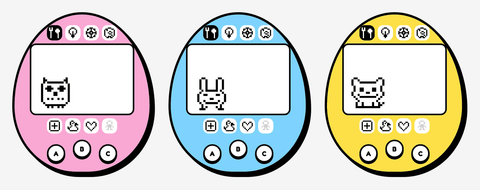
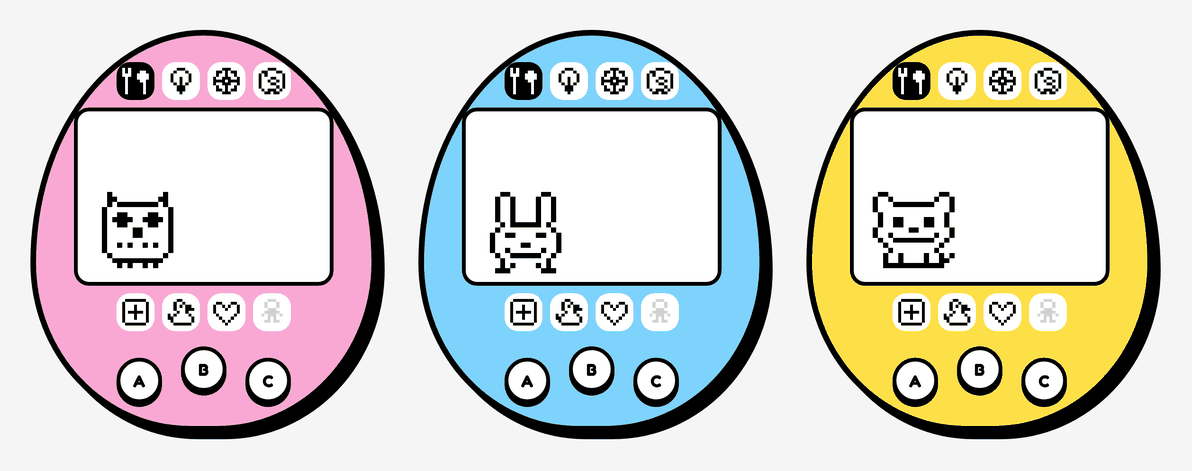
Remember the little egg-shaped digital pets everyone carried around in the 90s? Pixel Pet brings one to the hub. It has a tiny black-and-white pixel screen, three buttons and a pet that lives in real time — it gets hungry, thirsty and bored, makes messes, falls asleep at night and grows up over a few days. How it turns out is up to you.
What's inside the egg?
Nobody knows — not even us! Give your pet a name, get an egg, and after a minute it starts to shake and crack…
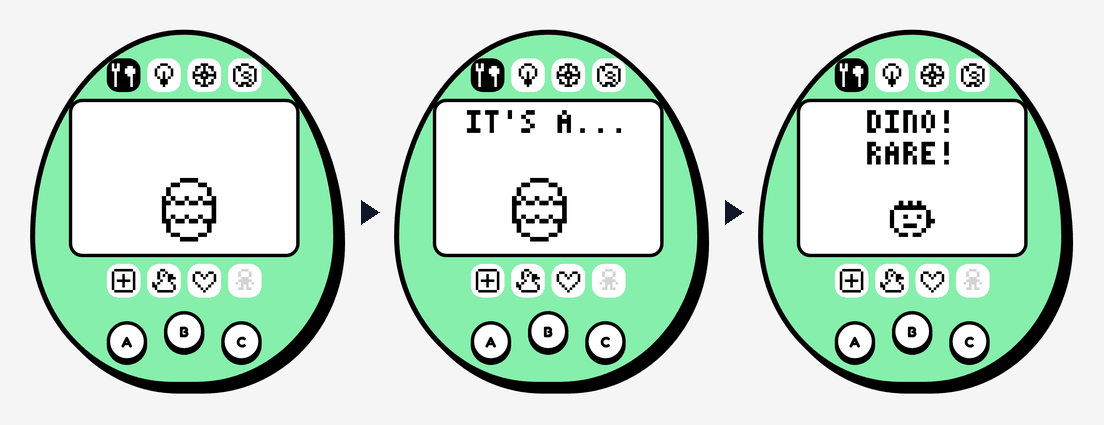
It could be a Blobby, a Chirp the bird, a Bun the bunny — or, if you are lucky, a rare Dino. Each one grows from a baby into a child, a teen and finally an adult, and every kind has three different grown-up forms. The better you look after it, the nicer the adult it becomes. Every new kind you hatch is added to your Pets discovered list, so there is always a reason to try another egg.
Looking after your pet
Your pet tells you what it needs. Tap the icons around the screen — or use the A, B and C buttons just like the real thing:
- Feed — a meal for the hunger hearts, a drink of water for the thirst hearts, or a snack as a treat (but not too many!).
- Play — a game of Left or Right: guess which way your pet will look. Win three rounds out of five to cheer it up.
- Clean up the mess, give medicine when the little skull appears, and turn the light off at bedtime.
- Check on your pet to see its age, weight, hearts and care score.
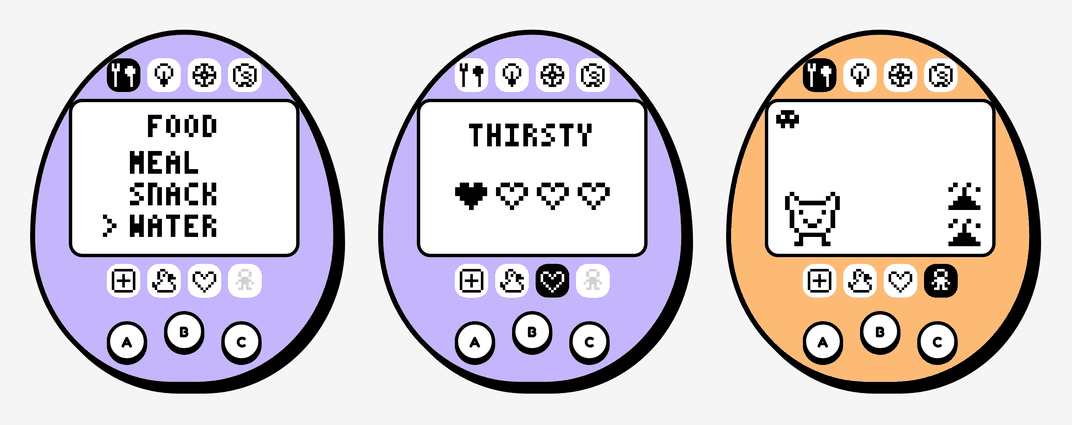
You can tap the screen itself, too: tap WATER to give a drink, tap the left or right half of the screen to make your guess in Left or Right, or tap a stats page to turn it.
It lives while you are away
Your pet is saved all the time — in your browser, and on your account if you are signed in — and it keeps on living when you close the page. Come back after school and it may be hungry, asleep or grown into a teenager. Pets sleep from 8pm to 8am, and need nothing at night except the light switched off.
Leave it hungry and sad for a whole day, though, and it goes back to Pet Planet. Then you can hatch a brand-new egg.
It reminds you when it needs you
You do not have to keep the game open to keep your pet happy.
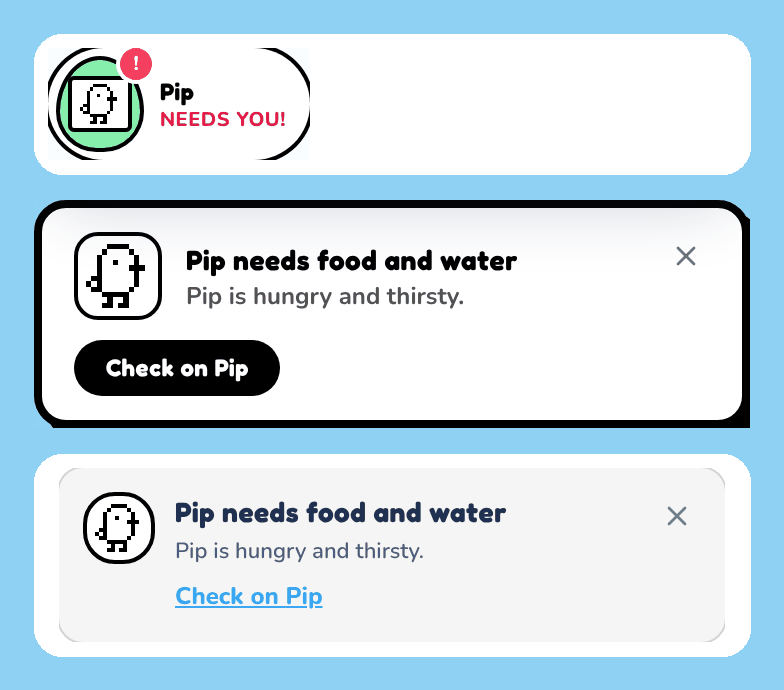
- A mini version of your pet sits by "Pick a game" at the top of the home page, hopping on its little screen. It shows a red ! when your pet needs something — tap it to go straight there.
- A reminder pops into the notification bell and onto the home page, like "Pip is hungry and thirsty."
- Tap Remind me under your pet to get a pop-up notification too, whenever a GameHubbie tab is open.
Reminders arrive while a heart is down to its last one, so there is still time to help before it counts as a care mistake.
Pick your colour
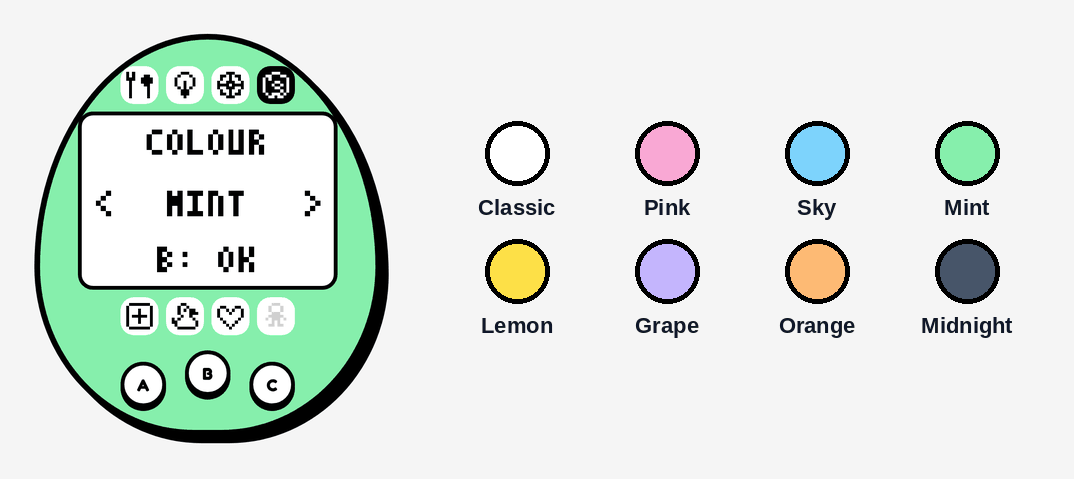
The pets of the 90s came in all sorts of coloured shells, and so does yours: classic white, pink, sky, mint, lemon, grape, orange or midnight. Pick one when you get your egg, or tap the paint icon any time — the shell changes as you look through them. The screen always stays black and white, just like the originals.
Starting over
Want a fresh egg? Tap Start over with a new egg under your pet. It always asks first — saying goodbye cannot be undone — and Keep is the answer it picks for you, so nobody starts over by accident.
Have a go
- Hatch your Pixel Pet
- How to play, with a guide for every game
- The Pixel Pet leaderboard — good care earns a care score, filed when your pet grows up
Pixel Pet is in beta while we gather feedback, so tell us what you think — and what your egg hatched into — on the Contact page. Happy hatching!