
A Fresh New Look for DIYDigs.com
DIYDigs.com has a new look. If you've visited diydigs.com recently, you may have noticed things look a little different. That's because the site has been rebuilt with a refreshed design on a brand-new content management system.
DIYDigs.com is all about practical home and garden projects, from upcycling an old chest of drawers to planning a wildlife-friendly garden. We made the move with one aim in mind: to make it easier for you to find the right project and get stuck in. Below we explain what has changed, what we hope you'll notice, and how you can tell us what you think.
What's changed
The site now runs on LifespanSoftwareCMS, a content management system custom built by Lifespan Software. Rather than bend an off-the-shelf platform to fit, we designed it around the features we actually need for publishing blogs, articles and pages across our sites. Moving to it has let us rework DIYDigs.com from the ground up rather than patch the old one.
LifespanSoftwareCMS is still under active development, so you'll see it improve over time as we add features and refine what's already there. We hope to release it to the public one day, but for now our focus is on making it as good as it can be.
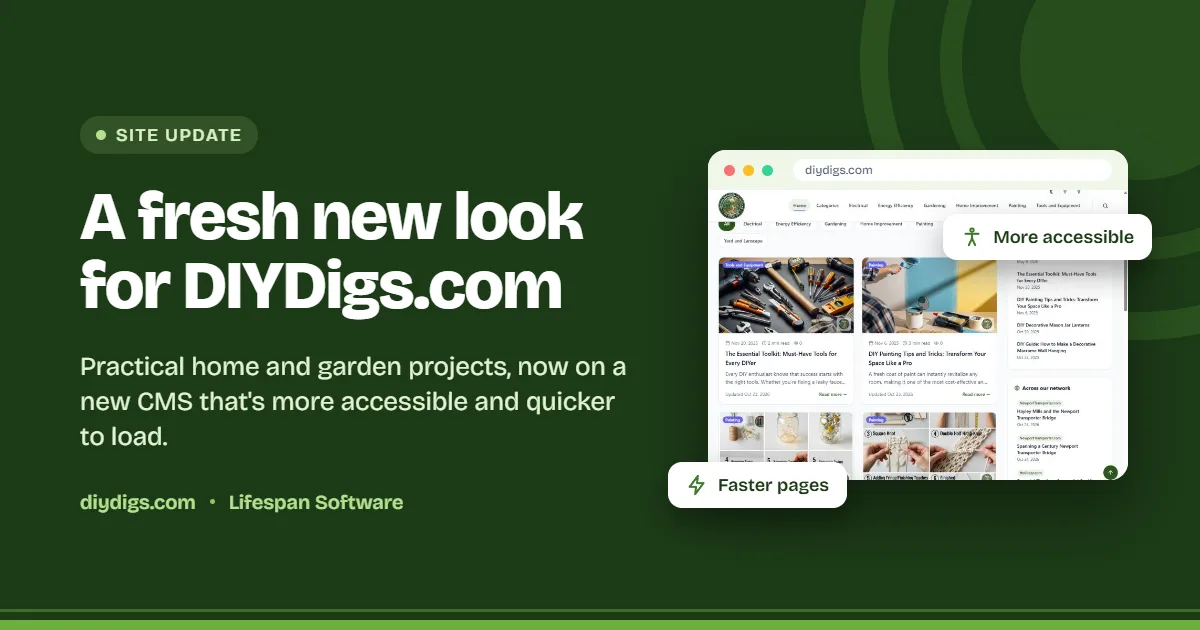
Alongside the new system comes a refreshed design: cleaner layouts, a fresh green colour scheme, clearer navigation and a more consistent look from page to page. All of our articles are still here, across Electrical, Energy Efficiency, Gardening, Home Improvement, Painting, Tools and Equipment, and Yard and Landscape. They're simply better organised and easier to find.
Finding your next project
The home page has been redesigned to help you get to the right article quickly, whether you're browsing for inspiration or hunting for something specific.
- Featured article: a highlighted project at the top of the page, currently our beginner's guide to upcycling furniture.
- Sort and filter: order articles by newest, oldest, most viewed or title, filter by category in one tap, and choose how many to show per page.
- Search: a search box right above the article list, plus a site-wide search in the header.
- At-a-glance details: each article card shows its category, publish date and an estimated reading time, so you know what you're getting into.
- Topics and tags: see how many articles sit in each topic and browse popular tags such as gardening, sustainability and home decor.
A more accessible site
We want DIYDigs.com to work for every visitor, whatever device they use or however they browse. The new design was built with accessibility in mind, and we hope it makes a real difference.
- Clearer structure: headings and page layouts that are easier to follow, including with screen readers.
- Better readability: stronger contrast and more legible text.
- Works on any screen: the layout adapts to phones, tablets and desktops, so you can follow a guide on your phone out in the shed or garden.
- Easier navigation: menus, filters and links that are simpler to use by keyboard as well as by mouse or touch.
Accessibility is ongoing work, not a box we tick once. If anything gets in your way, please let us know.
Faster loading, and more control over your privacy
Nobody enjoys waiting for a page to load, especially when you're halfway through a job with paint on your hands. The new platform is designed to be lighter and quicker, so pages should appear faster and feel more responsive as you move around the site.
We've also changed how optional extras work. Advertising and other optional scripts now only load if you choose to accept them, and you can decline with a single click. The site works just as well either way, and our privacy policy explains the details.
Never miss a new project
There are now more ways to keep up with new articles:
- Email newsletter: sign up at the bottom of any page and we'll send a link to confirm your address. No spam, and you can unsubscribe whenever you like.
- The whole network: tick one box to subscribe to every site we run, not just DIYDigs.com.
- RSS feed: follow new articles in your favourite feed reader.
You'll also spot a new Across our network panel, showing the latest posts from our sister sites, including NewportTransporter.com, Holidazz.com and the Lifespan Software blog.
Tell us what you think
We'd love to hear your feedback on the new site. Whether you've spotted something that isn't working, found a page hard to use, or simply like the new look, your comments help us keep improving.
And if you've tried one of our projects yourself, or have a tip or idea you'd like to see covered, we'd love to hear about that too. Please get in touch through the Contact us page.
Thank you for visiting DIYDigs.com, and happy making.